SecureApp
A downloadable tool for Windows
SecureApp is a powerful and easy-to-use encryption tool designed to protect your files and text with strong encryption technology.
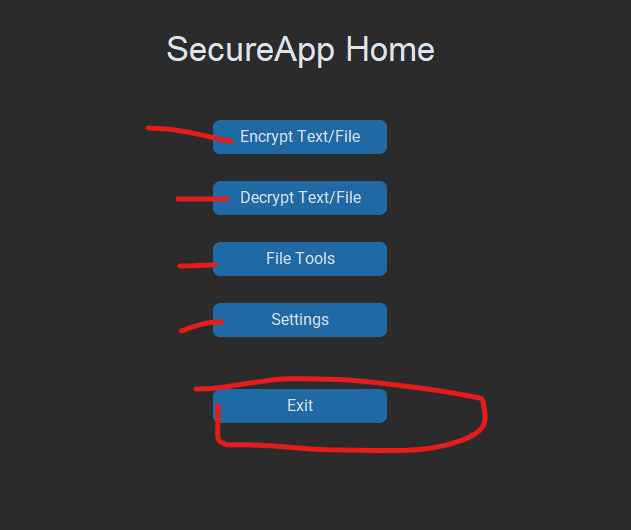
With a modern interface and multi-language support, SecureApp allows users to securely encrypt and decrypt sensitive information while maintaining complete control over their data.
Features
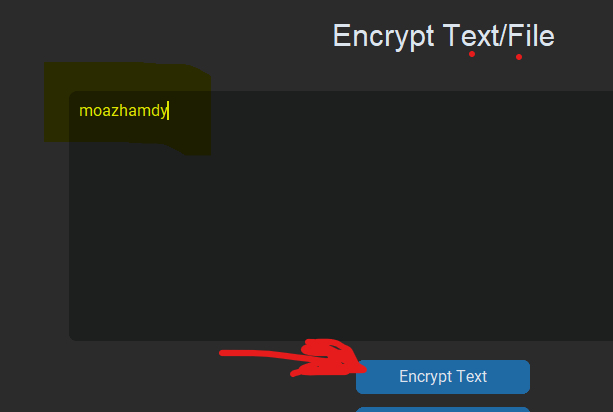
🔒 Encrypt and decrypt text instantly
📁 Encrypt and decrypt files securely
👤 User account system with password protection
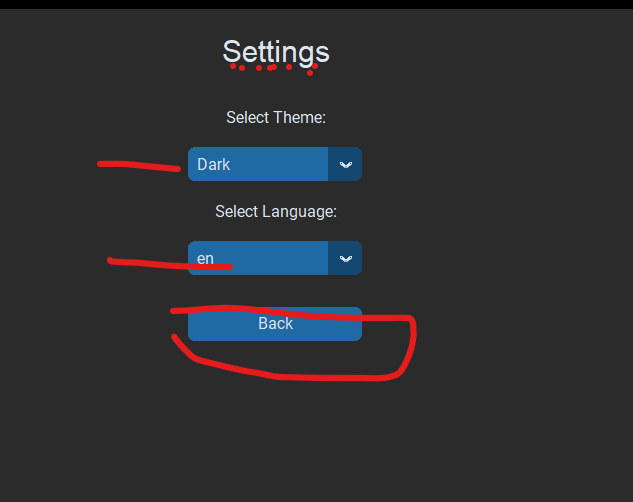
🌍 Multi-language support (English & Arabic)
🎨 Modern and user-friendly interface
💾 Choose where encrypted files are saved
⚡ Fast and lightweight performance
🔑 Automatic encryption key management
🛡️ Designed for privacy and security
System Requirements
- Windows 10 / Windows 11
- 4 GB RAM or higher
- 100 MB free disk space
Version
Version 1.0
Developer
Moaz Hamdy
Disclaimer
SecureApp is intended for educational and personal security purposes. Users are responsible for safeguarding their passwords and encryption keys.
Download
Install instructions
SecureApp Installation Guide
1. Download the ZIP file.
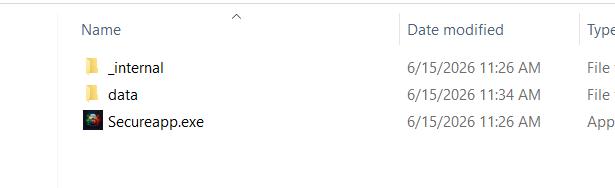
2. Extract the ZIP file to any folder on your computer.
3. Open the extracted folder.
4. Run SecureApp.exe.
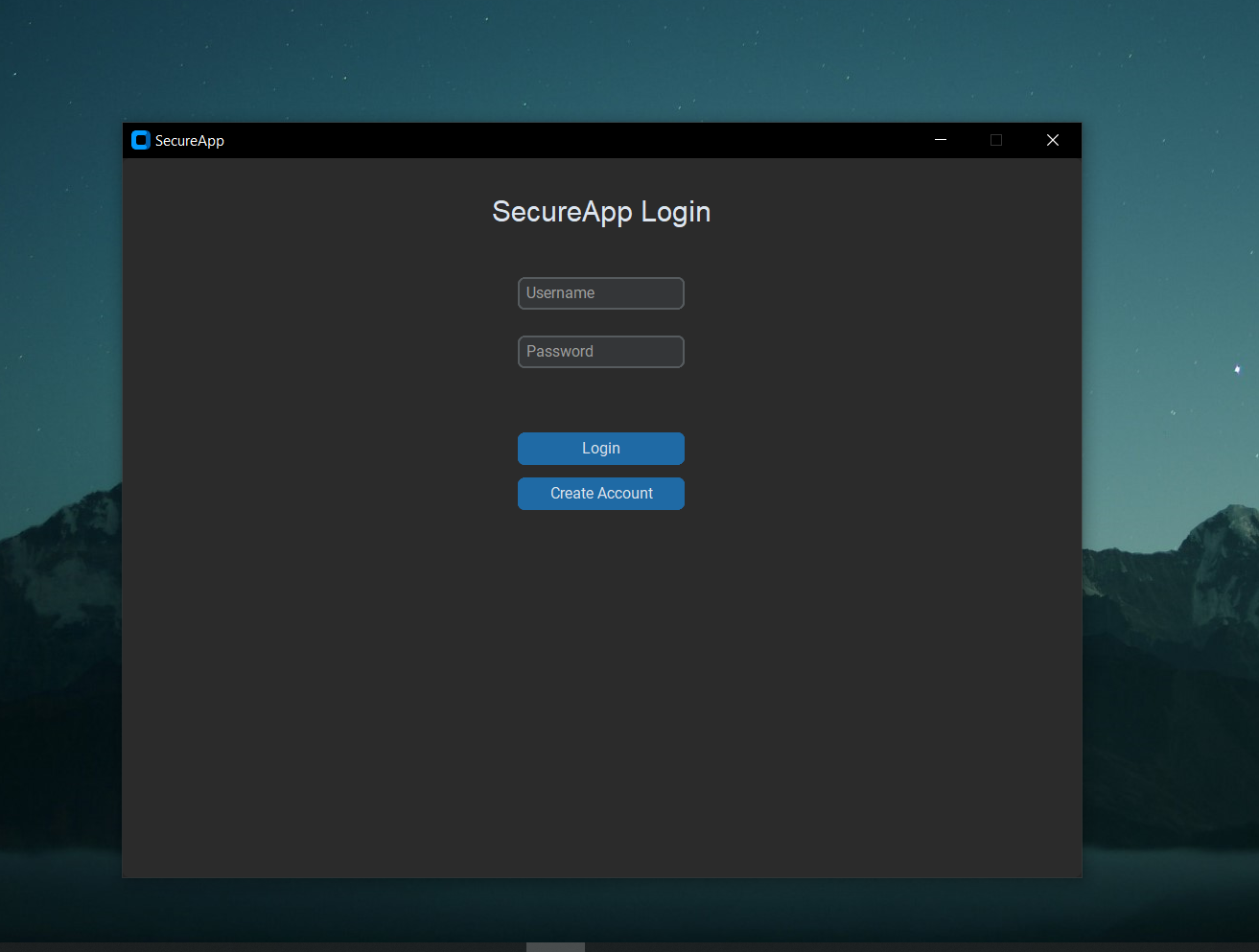
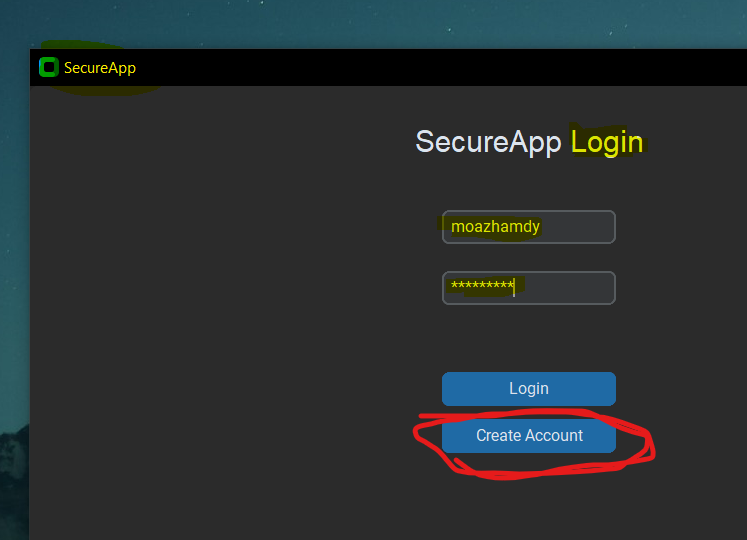
5. On first launch, create a new account with a username and password.
6. Log in and start encrypting or decrypting your files and text.
Requirements:
- Windows 10 or Windows 11
- No additional software required
Notes:
- Do not delete files inside the application folder.
- Keep your password safe. If you forget it, encrypted data may become inaccessible.
- Some antivirus programs may show a warning for newly released applications. If this happens, verify the source and allow the application.
Developer:
Moaz Hamdy
Development log
- Secure App48 days ago
Leave a comment
Log in with itch.io to leave a comment.